Use your FSA/HSA for Better Sleep & Skin
AU Baby merino essentials qualify with Flex payment at checkout
Eligibility at a Glance
See if your condition may qualify

Skin Conditions(All Products) |

Sleep Conditions(Adult Products) |
|
|
How to Use Your HSA or FSA Card
Step 1
Add your AU Baby essential to cart.
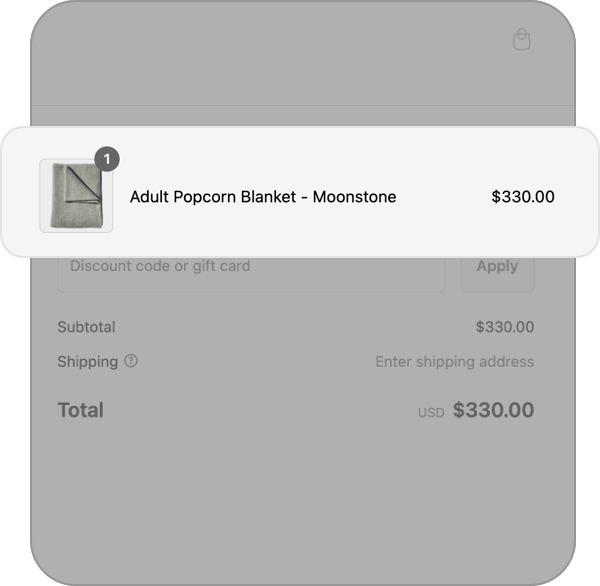
Step 2
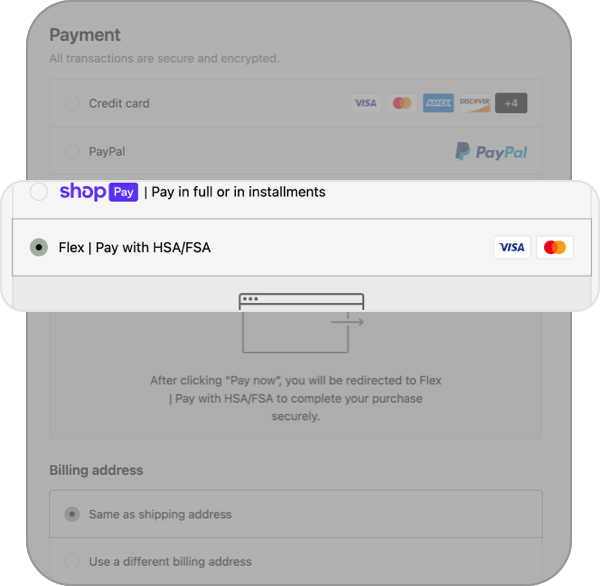
Choose Flex | Pay with HSA/FSA at checkout.
Step 3
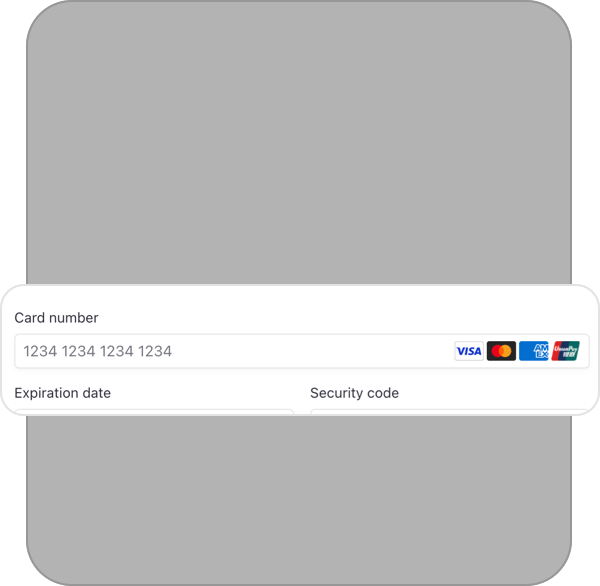
Use your HSA/FSA card to complete your purchase.
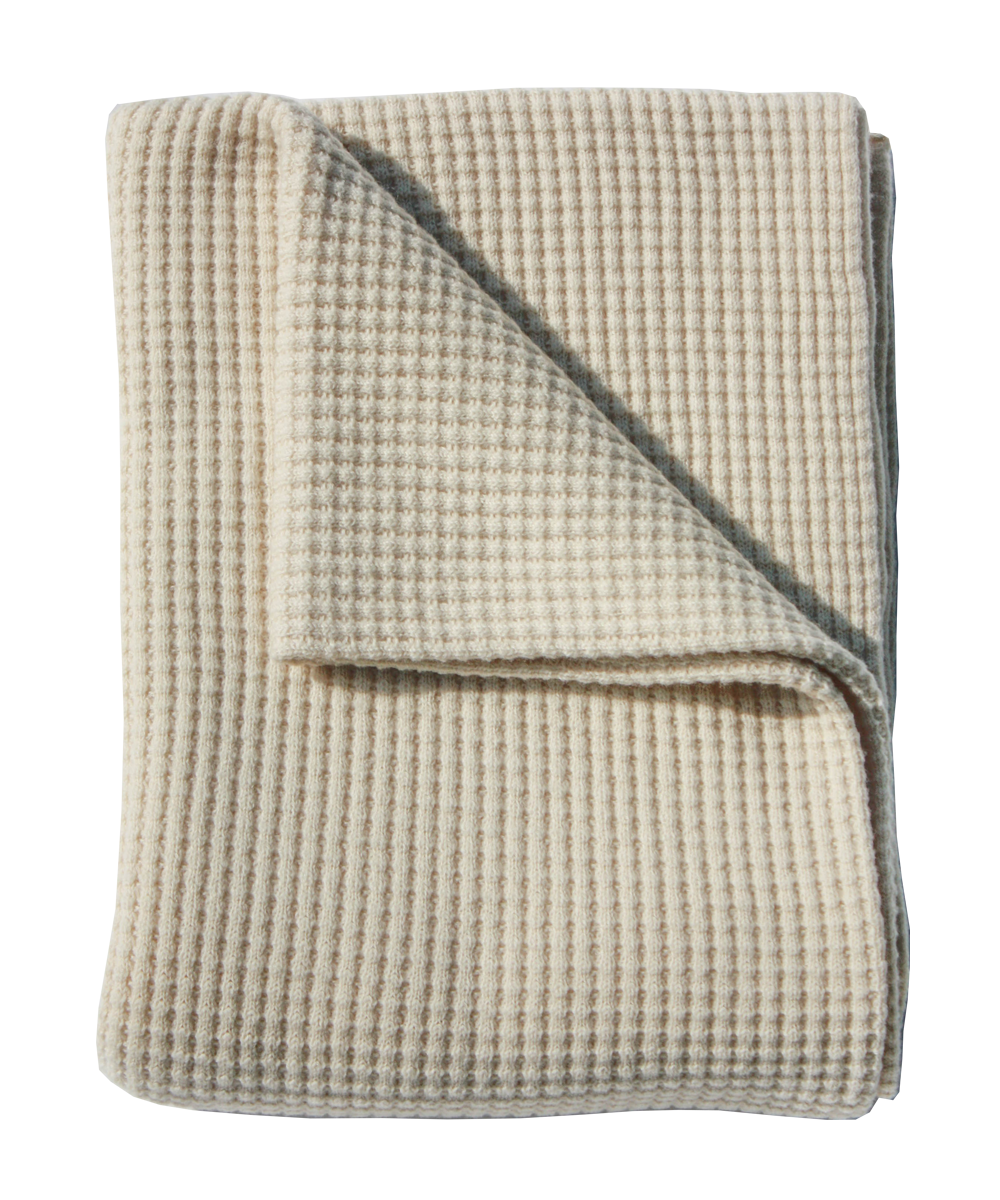
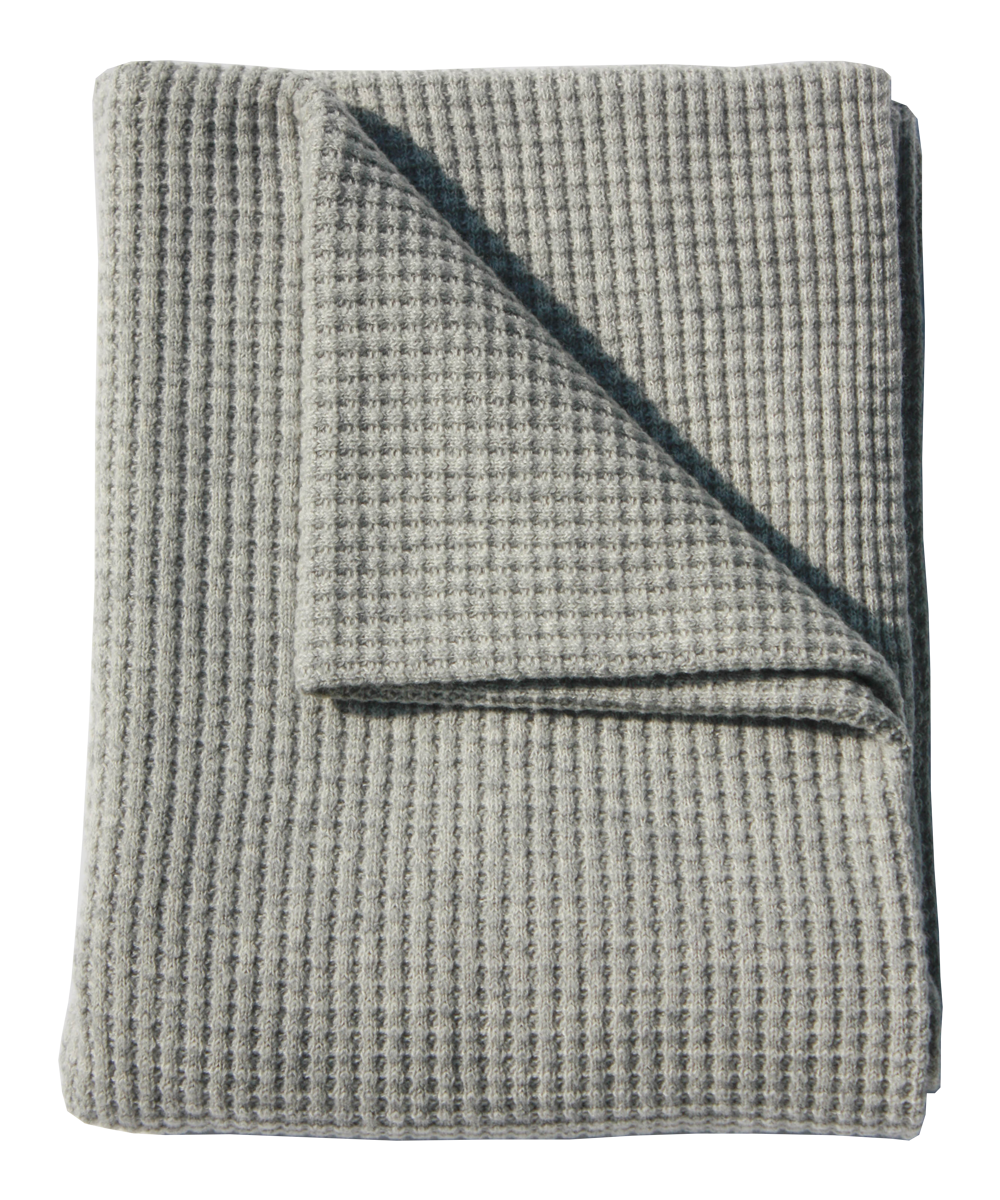
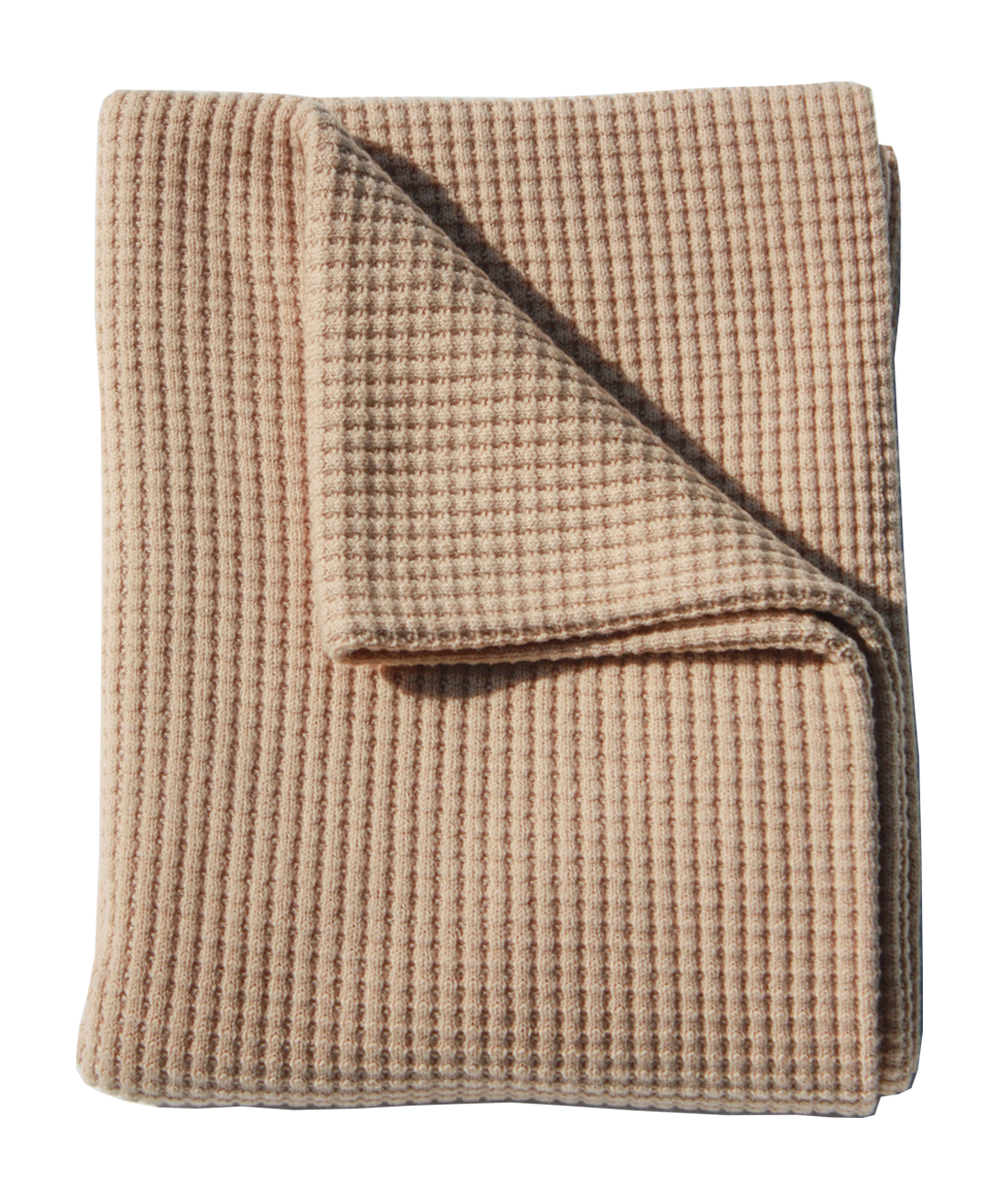

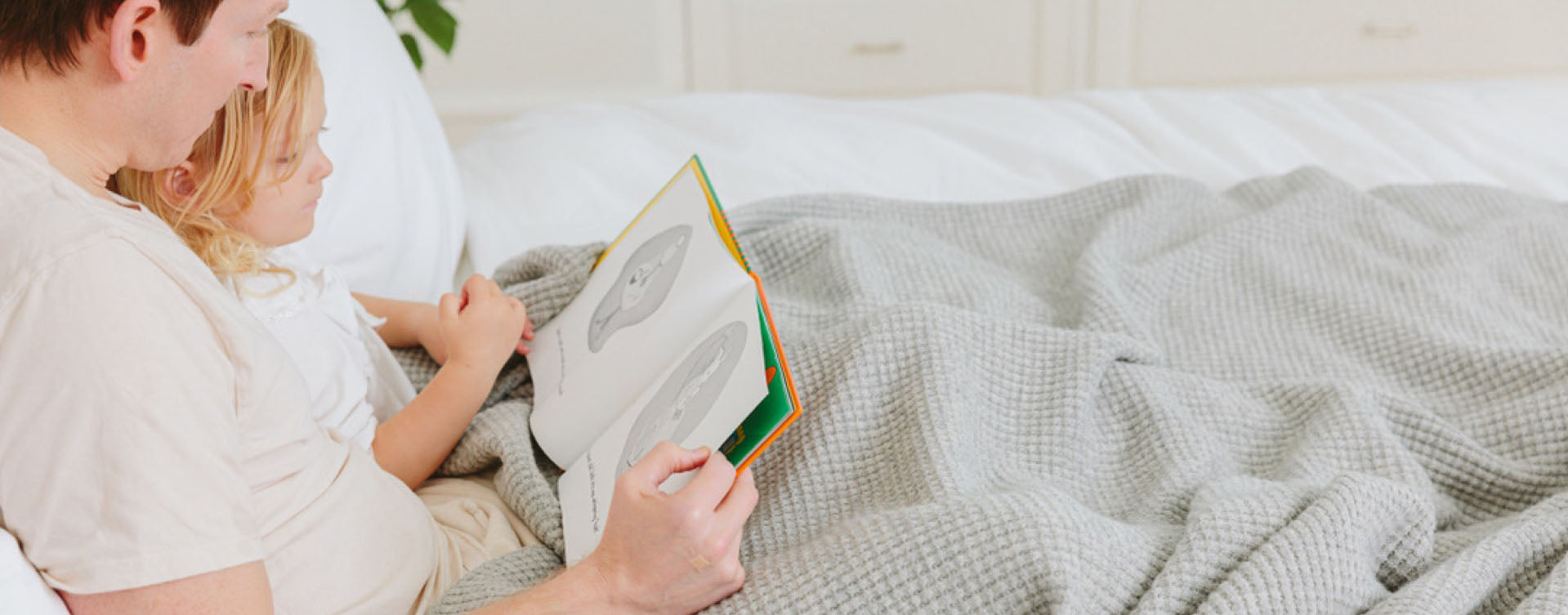
Why Merino Supports Sleep & Skin

 Deeper rest. Brighter mornings.

Don’t Let Your FSA Funds Expire
Some plans expire at the end of the calendar year, while others offer a grace period until March 15.
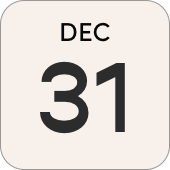
Most FSAs expire at the end of calendar year.
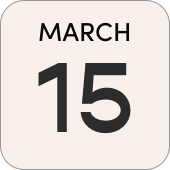
Some FSA plans allow you to use your balance up until March 15 before they expire.
FAQs
No. AU Baby blankets fall under the “Always Eligible” category, so a Letter of Medical Necessity is generally not required for reimbursement.
You can use Flex | Pay with HSA/FSA at checkout to pay directly with your HSA/FSA funds. Some customers may also be able to submit their receipt to their plan provider for reimbursement.
AU Baby blankets may be eligible for reimbursement for certain skin and sleep-related conditions.
Skin conditions may include:
• Psoriasis
• Contact Dermatitis
• Rosacea
• Seborrheic Dermatitis
• Atopic Dermatitis
• Neurodermatitis
Adult blankets may also qualify for certain sleep-related concerns including:
• Insomnia
• Sleep Apnea
• Restless Legs Syndrome
Eligibility ultimately depends on the rules of your individual HSA or FSA plan administrator.
All AU Baby products may qualify for HSA/FSA reimbursement depending on your condition and individual plan administrator.
You can browse the full collection here: Shop FSA/HSA Eligible Products
Add your eligible AU Baby product to your cart and proceed to checkout. Select Flex | Pay with HSA/FSA as your payment method, enter your card details, and complete your purchase as usual.
Flex will guide you through the eligibility process during checkout.
Split card payments are currently not supported. If your HSA/FSA card does not have enough balance to cover the purchase, you can complete the purchase using a regular credit or debit card and then submit the expense to your HSA/FSA provider for reimbursement.
If you need an itemized receipt for reimbursement, please contact info@aubabyshop.com and we’ll be happy to provide one.
The HSA/FSA payment option may not appear if you are using an accelerated checkout method such as Shop Pay. To use your HSA/FSA card, continue through standard checkout and select Flex | Pay with HSA/FSA from the payment options.
If you continue to have trouble, try checking out as a guest or using an incognito browser window.
If you continue to be pushed into the ShopPay checkout, we recommend clicking on “Check out as a guest” at the bottom of the checkout page or completing your purchase in an incognito window.
Like any credit or debit card, HSA/FSAs can be declined if any of the data from the card is incorrect (number, expiration date, zip code etc). Flex will alert you in checkout if any of these fields is missing or incorrect so you can update them.
The most common reason for rejection of the card is insufficient funds. Reach out to your HSA or FSA provider to verify the amount of money in your account before attempting to complete your purchase again.
Yes. You can still complete your purchase using a regular credit card.
Select Flex | Pay with HSA/FSA at checkout, then enter your regular payment card instead of your HSA/FSA card. Flex will send you an itemized receipt after purchase which you can submit to your HSA/FSA provider for reimbursement.
You can reach out to our support team at info@aubabyshop.com or by calling 1-877-AU-BABY1.
Ready to Use Your HSA or FSA Funds?
Use your pre-tax health benefits toward AU Baby merino essentials designed for better sleep and sensitive skin.